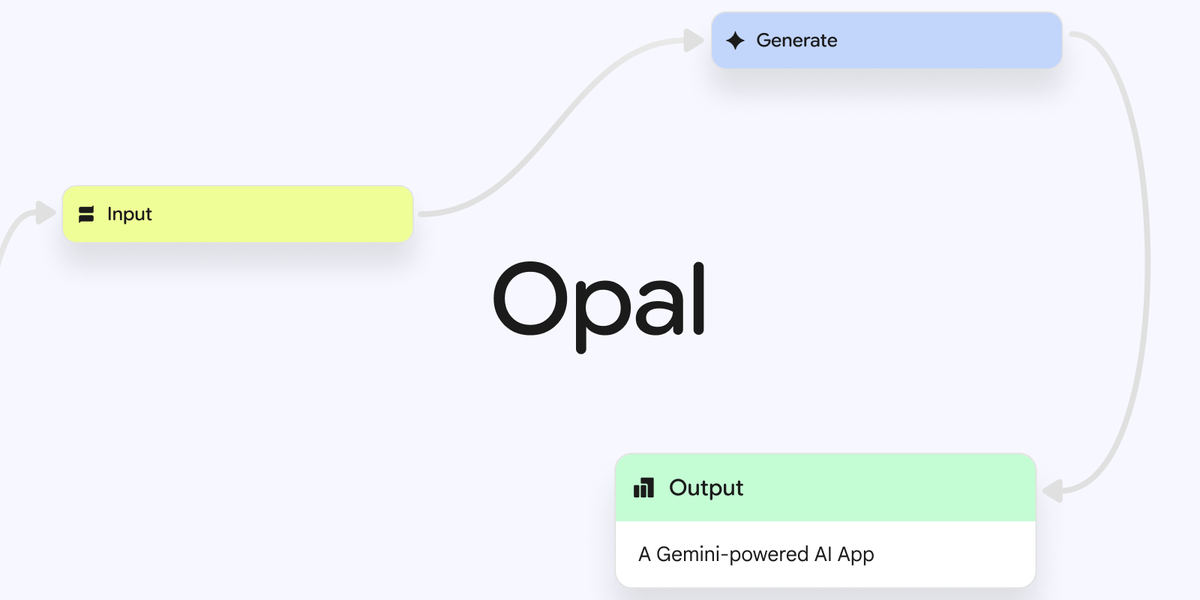
Google is integrating its Opal mini app builder directly into the Gemini web app. This move allows users to create experimental, interactive “Gems”—custom AI mini-apps—within Gemini’s interface. Now accessible via the Gems manager, Opal provides a streamlined way to build reusable tools and unlock more personalized AI experiences.
A Visual Editor for Building Gems
The integrated Opal tool features a user-friendly visual editor. A key new addition is a clear step-by-step view that breaks down your app’s prompts into a list of actions. This makes it easier to understand, visualize, and edit the logic flow of your mini-apps without writing code.
Advanced Customization for Developers
For users needing more control, Google offers a seamless path to deeper customization. You can easily switch to the Opal Advanced Editor at opal.google. This separate interface provides granular control over app behavior, catering to developers and advanced creators.
Getting Started with Opal
The experiment is live starting today. To begin building:
- Open the Gemini web app.
- Navigate to your Gems manager.
- Select Opal to launch the visual builder and start creating.
Democratizing AI App Creation
By embedding Opal into Gemini, Google is lowering the barrier to creating functional AI tools. This empowers users to move beyond simple prompts and construct reusable, interactive mini-apps tailored to their specific tasks, further personalizing the capabilities of the Gemini assistant.