Learning how to start a WordPress blog is your first step toward sharing ideas online. WordPress powers millions of blogs worldwide because it’s flexible, powerful, and user-friendly. This guide walks you through the entire process—from choosing a domain name to picking the perfect plugins. Follow these steps to launch your blog successfully.
Step 1: Secure Your Domain Name and Web Hosting
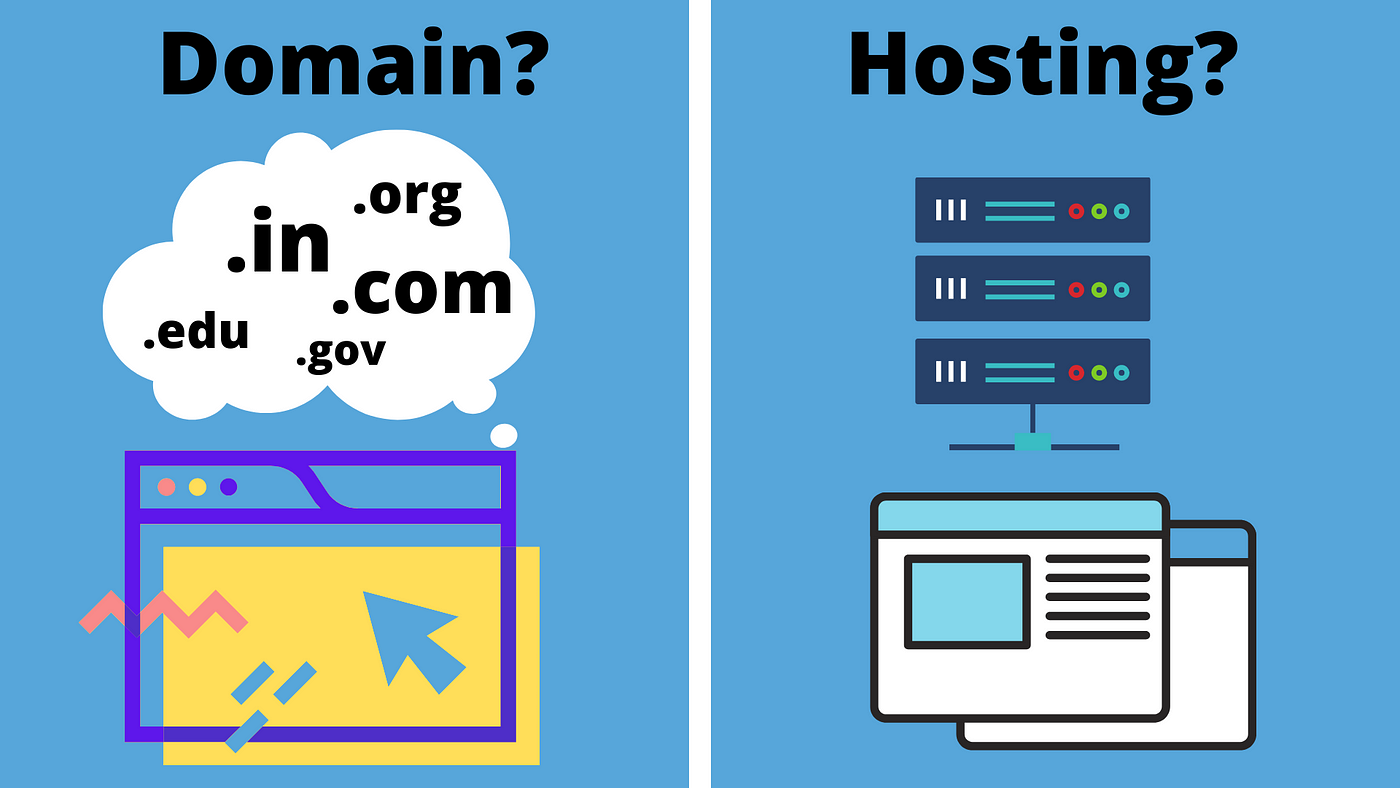
Before installing WordPress, you need two essentials: a domain name and a hosting plan. Your domain name is your blog’s address (like yourblog.com). Choose a name that’s memorable, short, and relevant to your niche. Purchase your domain from a reputable registrar like Namecheap or Google Domains. Importantly, keep your domain registration separate from your hosting provider. This practice gives you more control and simplifies potential future migrations.
Next, select a reliable web hosting provider. Avoid offers for “unlimited” resources, as these are often misleading. Instead, look for providers with transparent policies, good customer support, and WordPress-optimized servers. Recommended hosts include GreenGeeks, MDDHosting, and InMotion Hosting. Always check independent reviews on forums like Web Hosting Talk rather than relying solely on affiliate-driven review sites.
Step 2: Install and Secure WordPress
Most quality hosts offer one-click WordPress installation via Softaculous in your cPanel. The installation process is straightforward, but security is crucial from day one. During setup, change the default database prefix from wp_ to something unique. Also, avoid using “admin” as your username and create a strong, complex password. These steps help protect your new blog from common brute-force attacks. For a deeper dive into security, the WordPress.org Hardening Guide is an excellent start.
Step 3: Choose the Right WordPress Theme
Your WordPress theme controls your blog’s design and layout. With thousands of options available, focus on simplicity, mobile responsiveness, and clean code. For free themes, only use the official WordPress.org repository to avoid malware. Premium themes from trusted shops like Elegant Themes or Array Themes offer more features and support.
Key Theme Selection Tips:
- Ensure the theme is fully responsive.
- Avoid themes overloaded with excessive built-in features (like SEO tools or page builders) that can lock you in.
- Verify the theme’s compatibility with the latest WordPress version using the Theme Check plugin.
Step 4: Install Essential WordPress Plugins
Plugins extend your blog’s functionality. However, install only what you need to maintain speed. Here are crucial categories and recommendations:
Must-Have Plugins for Every New Blog:
- SEO: Yoast SEO or All in One SEO Pack (install only one).
- Security: Wordfence Security for firewall and malware scanning.
- Caching: WP Super Cache or WP Fastest Cache to improve load times.
- Optimization: WP Optimize for database cleaning and Autoptimize for CSS/JS optimization.
Plugin Selection Best Practices:
- Choose plugins with regular updates and high active install counts.
- Ensure plugins are GPL-licensed.
- For resource-intensive tasks (like email newsletters), consider external services like Mailchimp to reduce server load.
Step 5: Create Content and Grow Your Audience
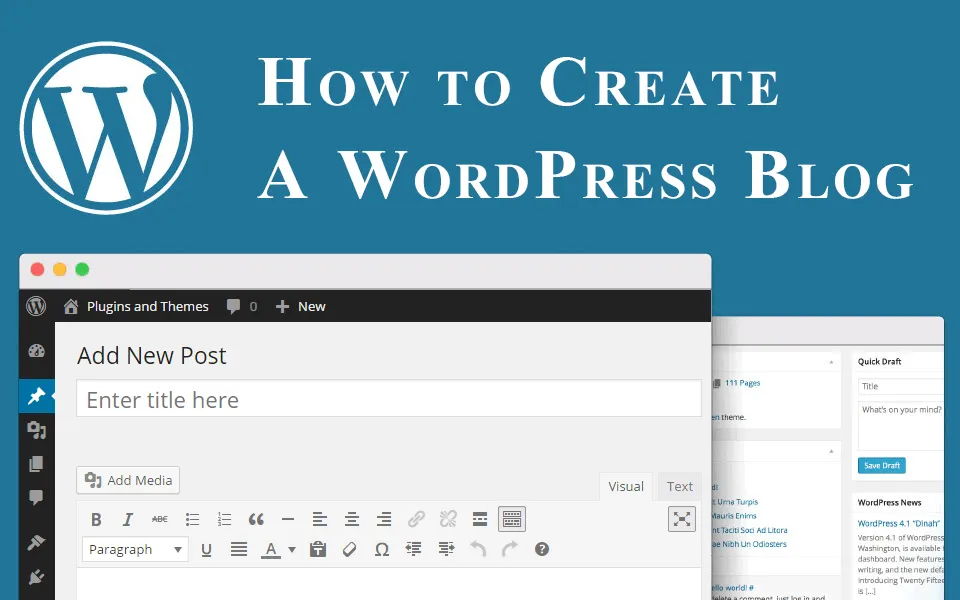
With setup complete, focus on publishing high-quality content consistently. Use the WordPress Editor to craft posts and pages. Integrate images and media to make your posts engaging. Then, share your content on social media and engage with your readers via comments. Remember, blogging requires patience—audiences grow steadily over time through valuable, regular posts.
Your Blogging Journey Begins
You now know exactly how to start a WordPress blog. The process involves careful planning in hosting and domain registration, followed by smart choices in themes and plugins. Keep your site secure, focus on quality content, and be patient as you build your readership. Your voice matters—start your WordPress blog today and share it with the world.