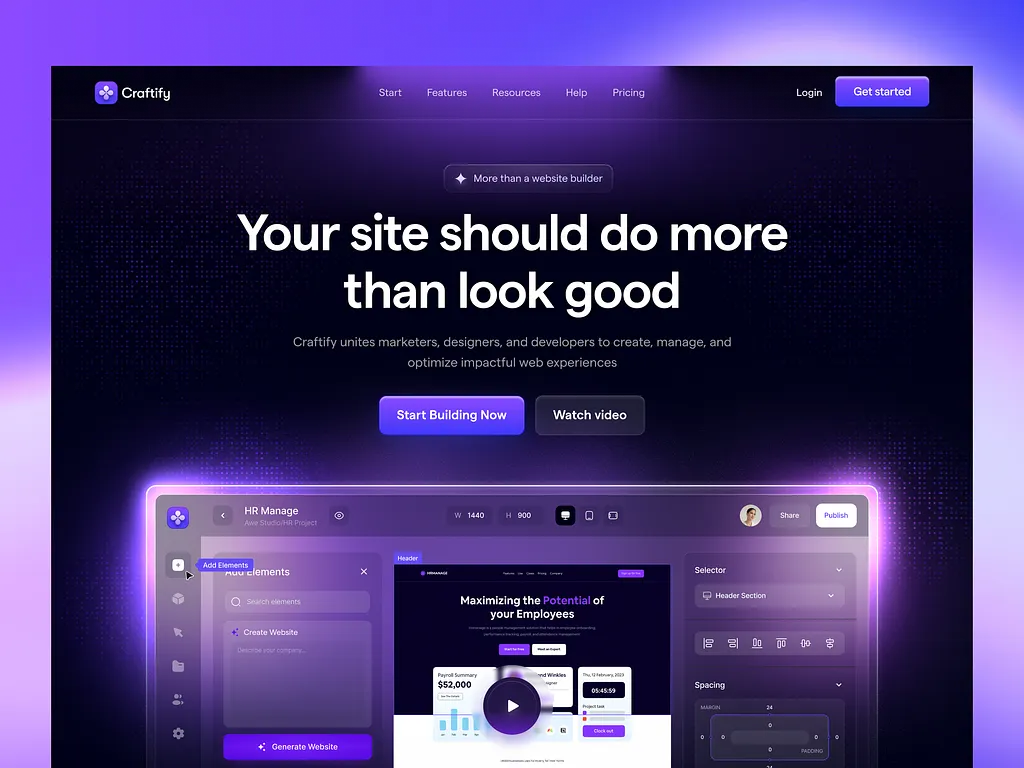
Building a professional website no longer requires extensive coding knowledge or a large budget. You can now build a website with AI for free, dramatically speeding up the design process. Modern AI website builders use conversational prompts to generate complete, responsive sites in minutes. This guide provides a clear, step-by-step method using a popular free tool. The result is a functional website that serves as an excellent foundation for further customization and growth.
AI website builders excel at automating the initial, tedious stages of web design. They produce structured layouts, choose color schemes, and populate pages with relevant placeholder content. However, it is crucial to understand their role. These tools provide a sophisticated starting template, not a finished, unique product. The true value lies in their ability to give you a massive head start. You then refine the generated site to match your brand’s specific voice and requirements.
Step 1: Sign Up for a Free AI Website Builder
The first step to build a website with AI is selecting a platform. Wix offers a robust and completely free AI site builder. Visit the Wix AI website builder page and click the “Get Started” button. You can create an account without providing credit card details. The free plan allows you to publish your site on a Wix subdomain. If you later want a custom domain name, you will need to upgrade to a paid subscription.
After signing up, Wix will present two main options: “AI Website Creation” or “Vibe-style Website Creation.” For the most control and detailed results, choose the “AI Website Creation” path. This option uses a conversational chatbot to gather detailed information about your project. This process ensures the AI has sufficient context to generate a site tailored to your stated goals. The subsequent chat interface is intuitive and guides you through the necessary questions.
Step 2: Answer the AI Prompts in Detail
The quality of your AI-generated website depends directly on your input. The chatbot will ask a series of questions about your business and website goals. Provide thorough, descriptive answers for the best outcome. The first prompt typically asks, “What is your site all about?” Describe your business, its purpose, and any critical functionality like ecommerce or a booking system. Click the submit button after each response.
The AI will then ask for your business name, products or services, and your unique selling points. It also asks for additional goals and your company history. Even for a new business, explaining your origin story and location adds valuable context. The more specific you are, the more accurately the AI can assemble a relevant site structure and design. A sidebar “Site Profile” summarizes the information you provide, allowing you to review it before generation.
Step 3: Edit and Customize Your Generated Site
After you click “Generate Site,” the AI will present a complete website draft. This serves as your starting point. Next, enter the Wix Editor to customize every element. Use the drag-and-drop interface to modify text, swap images, and adjust layouts. Click on any section to edit its content and styling. This is where you transform the AI’s foundation into a site that reflects your unique brand identity.
Wix also integrates AI tools directly into the editor. You can use the “Generate Text with AI” button to rewrite or expand page copy. The AI image generator can create custom visuals if stock photos are unsuitable. Explore the settings tab to configure your domain, set up a professional email, and add social sharing tools. Remember, the AI provides a template; your editorial and design choices make the site truly yours.
Step 4: Preview, Test, and Publish
Before going live, thoroughly preview your website. Click the “Preview” button in the Wix Editor to open a functional version of your site. Test all navigation links, buttons, and forms. If you built an online store, test the add-to-cart and checkout flow. Ensure the site displays correctly on both desktop and mobile devices. This quality assurance step is critical for providing a good user experience.
Once satisfied, click the “Publish” button to make your website publicly accessible. Your free site will live on a Wix subdomain. Bookmark your Wix dashboard to return later for updates, new blog posts, or further design tweaks. Congratulations, you have successfully used AI to build a website with AI and launch it at no initial cost. The process demonstrates how AI can compress weeks of traditional work into a single sitting.
Understanding AI Website Builder Pros and Cons
AI website builders offer significant advantages, primarily speed and affordability. They allow beginners to launch a professional-looking site in minutes without technical skills. The AI bases designs on industry best practices for user experience and responsiveness. For developers, these tools can rapidly prototype a client site, saving hours of initial setup work. The free tier access lowers the barrier to entry for startups and individuals.
However, important limitations exist. AI-generated sites often lack deep customization and can resemble other sites from the same platform. You may encounter platform lock-in, making future migration difficult. The AI-written content usually requires heavy editing to sound natural and accurate. These builders are ideal for creating a “minimally viable” website quickly. They are less suitable for highly unique, brand-specific designs that require intricate functionality or custom code.
Exploring Paid AI Builder Alternatives
Several paid AI website builders offer enhanced features. Hostinger’s AI builder is a favorite, providing complete control over SEO, blogging, and imagery after the initial generation. IONOS includes useful refinement tools like AI text improvement and an AI section generator for creating complex page components. Hosting.com uses a hybrid approach, allowing you to select a template and then modify it extensively with AI assistance.
These paid options typically include a free trial period. They often integrate with broader hosting services, email marketing, and ecommerce tools. If your project requires advanced features like member logins, complex product variants, or multilingual support, exploring these paid alternatives is wise. They represent the next step up from completely free builders, offering more power while still leveraging AI for the heavy lifting of initial design.
Final Recommendations for Using AI in Web Design
Treat AI as a powerful assistant, not a complete replacement for human judgment. Use it to overcome the blank canvas problem and establish a solid structural foundation. Always budget time for manual customization, content refinement, and branding integration. I recommend testing multiple AI builders to find which platform’s design output and editing workflow best suit your style and needs.
The ability to build a website with AI for free is a transformative development. It empowers entrepreneurs, creators, and small business owners to establish an online presence swiftly. While not a magic solution for every web design challenge, AI dramatically accelerates the journey from idea to live site. Embrace these tools for their efficiency, but remember that your creative input remains the essential ingredient for a standout final product.