

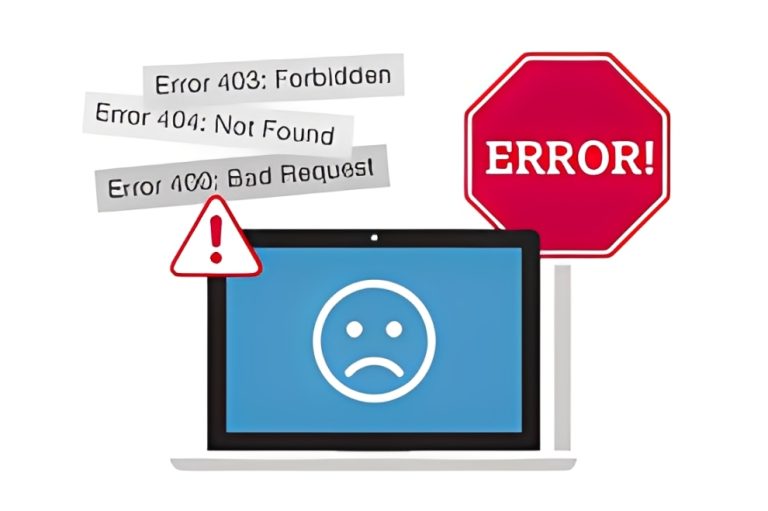
Website errors are problems that prevent a website from loading correctly or functioning as intended. They can occur due to issues with the user’s device, internet connection, server configuration, or the website’s code. These errors disrupt user experience, harm search engine rankings, and may cause visitors to leave a site permanently.
Understanding common website errors helps developers, marketers, and site owners diagnose and resolve issues quickly. Below are the most frequent types, grouped by origin.
Client-Side Errors (4xx Status Codes)
These happen when the user’s browser sends a faulty or unfulfillable request to the server.
A 404 Not Found error is the most common. It appears when a page has been deleted, moved, or the URL is mistyped. Broken internal or external links often trigger this error.
A 403 Forbidden error means the server understands the request but refuses to fulfill it—usually due to permission settings.
A 400 Bad Request error occurs when the server cannot process the request because of malformed syntax, such as corrupted cookies or oversized upload files.
Server-Side Errors (5xx Status Codes)
These indicate that the server failed to fulfill a valid request.
The 500 Internal Server Error is a generic message that something went wrong on the server, but the exact cause isn’t specified. It could stem from faulty scripts, misconfigured files, or plugin conflicts—especially in content management systems like WordPress.
A 502 Bad Gateway error appears when one server acting as a gateway receives an invalid response from another server. This often happens during traffic spikes or backend service failures.
A 503 Service Unavailable error means the server is temporarily down—usually due to maintenance or overload. Unlike a 500 error, this is often intentional and short-lived.
DNS and Connection Errors
These occur before the browser even reaches the server.
A DNS error (like “DNS_PROBE_FINISHED_NXDOMAIN”) means the browser cannot translate the domain name into an IP address. Causes include typos, expired domains, or ISP issues.
A “This site can’t be reached” message often points to network problems, firewall blocks, or SSL/TLS handshake failures.
Other Common Website Errors
Broken links don’t always show error pages but degrade user experience and SEO. Search engines penalize sites with high numbers of broken internal links.
Mixed content warnings appear when an HTTPS site loads resources (like images or scripts) over insecure HTTP. Browsers may block these elements, breaking page functionality.
Redirect loops happen when a page redirects to another page that redirects back—trapping the browser in an infinite cycle.
Why Website Errors Matter
Website errors frustrate users and increase bounce rates. Google and other search engines also view frequent errors as signs of poor site quality, which can lower rankings. For e-commerce or lead-generation sites, even brief downtime can mean lost revenue.
How to Find and Fix Website Errors
Use tools like Google Search Console, Screaming Frog, or GTmetrix to scan for broken links, server errors, and crawl issues. Monitor uptime with services like UptimeRobot or Pingdom.
For 404 errors, set up proper redirects (301) for moved content. For 500 errors, check server logs, disable recently added plugins, or restore from a backup. Keep software updated and test changes in staging environments before going live.
While no website is error-free forever, proactive monitoring and swift fixes minimize damage. By understanding what website errors are and how they arise, you can maintain a fast, reliable, and user-friendly online presence.